Hiera·AI design from a photo
One photo of your room. Every version of it.
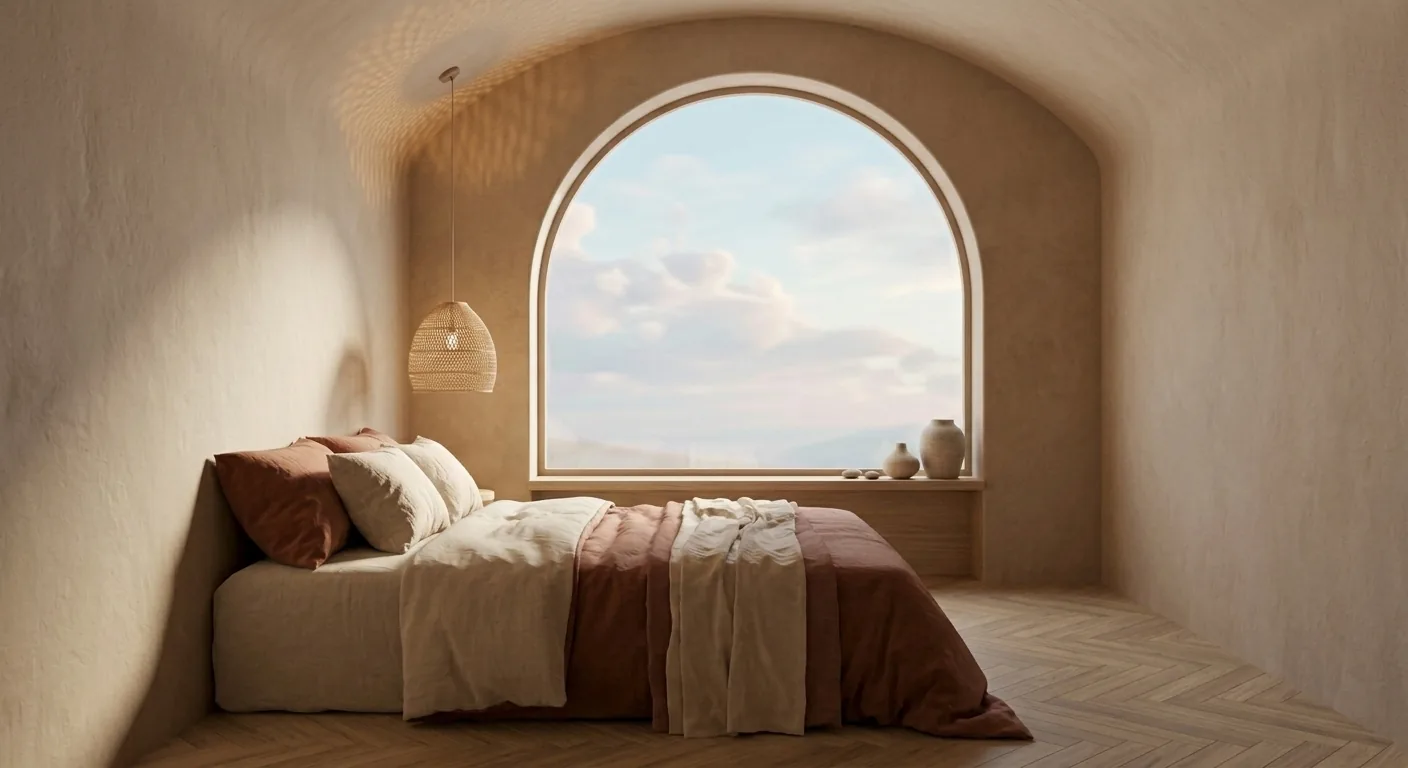
Upload a photo of the room as it is and see it redesigned in any style: Japandi, Scandinavian, mid-century, yours. The room keeps its proportions, windows and camera angle, so every version is still recognizably your room.
Serene Japandi Bedroom
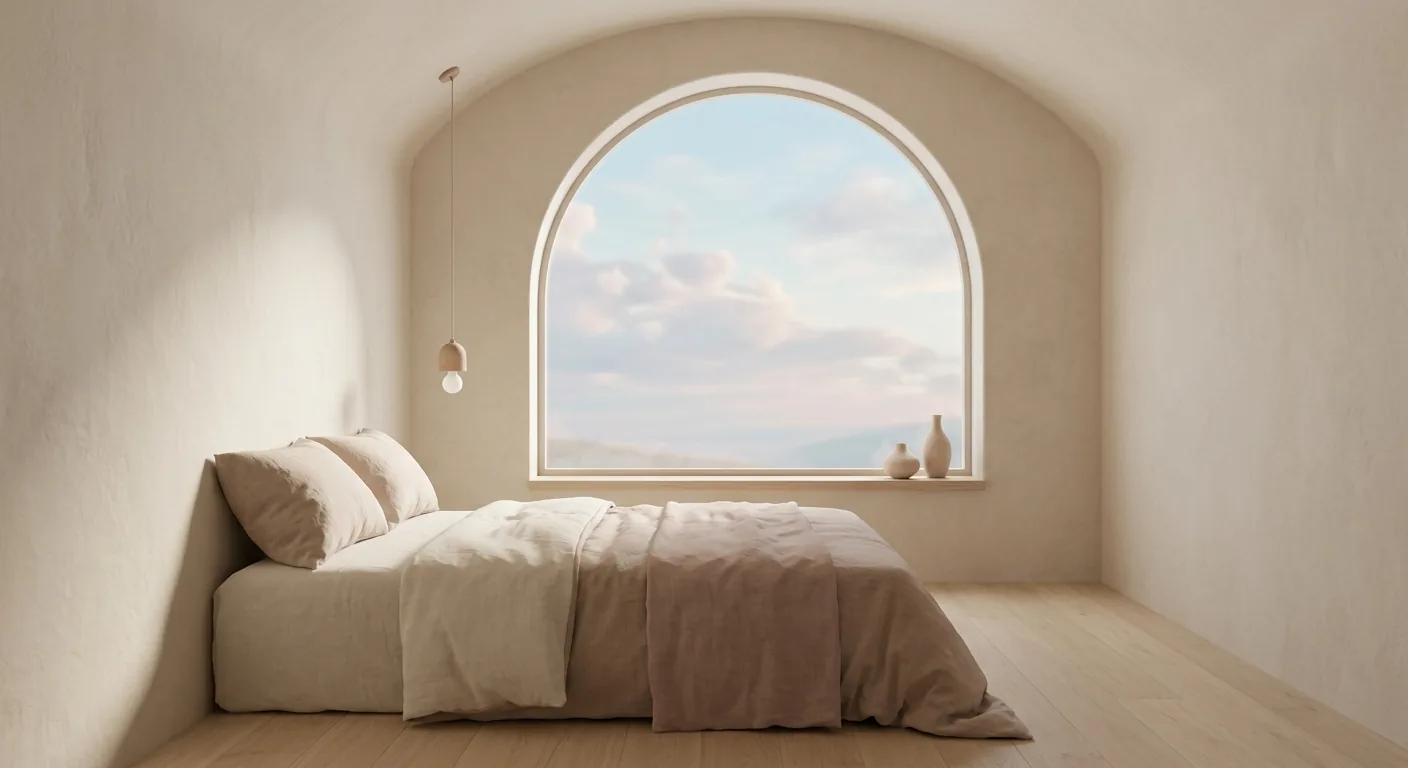
Describe the room you want. Keep the one you have.
“Warm Japandi: rattan, linen, oak.”
Your walls, your windows, your light.
“Bright Scandinavian, white and pale wood.”
The camera angle you shot it from.
“Moody mid-century with walnut.”
The room’s real proportions.
“Just declutter it and warm the light.”
Everything else exactly as it is.
How it works
- 1
Drop the photo on the canvas
A phone photo is enough, HEIC included. The canvas is where everything you make will live.
- 2
Say the room you want
A style name or your own words. The render keeps your room’s geometry and viewpoint.
- 3
Keep going, one change at a time
Try more styles, change single pieces, build a moodboard from the winner; all versions stay side by side.
Step by step, with screenshots: Getting started in Hiera Learn.
AI gives you a great room, almost never your room. Hiera redesigns the one in your photo.
Questions
What kind of photo do I need?
One ordinary photo of the room, taken with your phone, is enough. HEIC photos from an iPhone work too; Hiera converts them on upload.
Will it still look like my room?
Yes, that is the point. The redesign keeps your room’s proportions, windows and camera angle, so every version is recognizably your room, not a random generated one.
What styles can I try?
Any you can name or describe: Japandi, Scandinavian, mid-century, art deco, coastal, Parisian, or your own words, like "warm minimal with walnut and linen". Try several; they all stay side by side.
Can I change details after the first result?
Yes. Select the render and say the next change: the sofa, the flooring, the wall color, one sentence at a time. The rest of the room stays as it was.
Can someone design with me?
Yes. The canvas is shared: invite a partner, a friend or your designer with one link, and comment straight on the images together in real time.
How much does it cost?
Hiera is free to use. AI actions use credits: pay as you go, or choose Hiera Pro.
Get the room you were imagining.
Get started for freeFree workspace · pay as you go or Hiera Pro · runs in the browser