Hiera·AI moodboard generator
A moodboard from your render. In one sentence.
Ask for a moodboard and Hiera builds it from the room you are designing: curated boards, a material board and an extracted color palette, on the same canvas as the render, not in another tool.
Serene Japandi Bedroom Moodboard
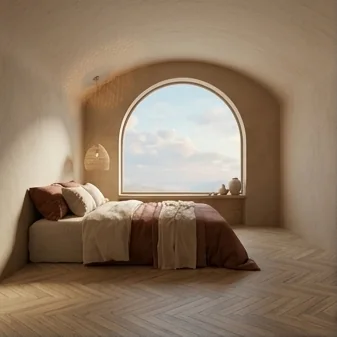
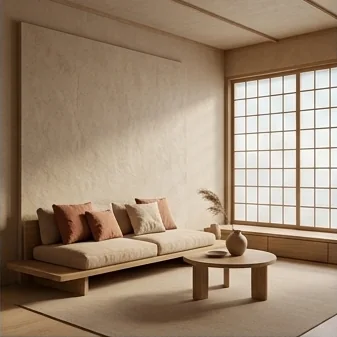
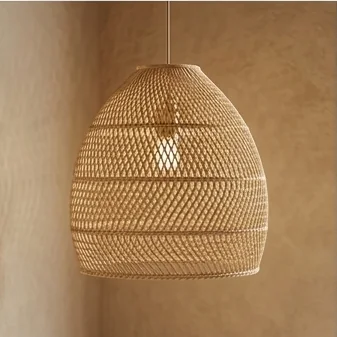
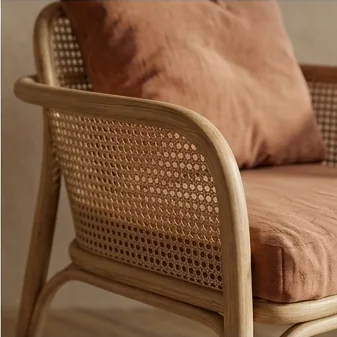
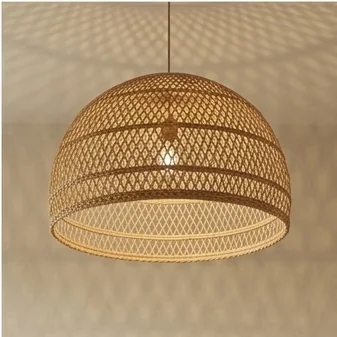
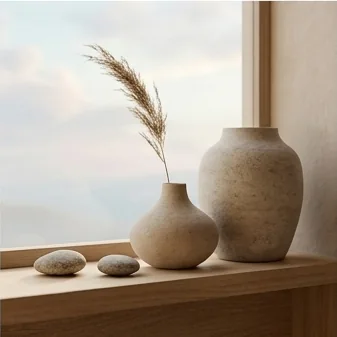
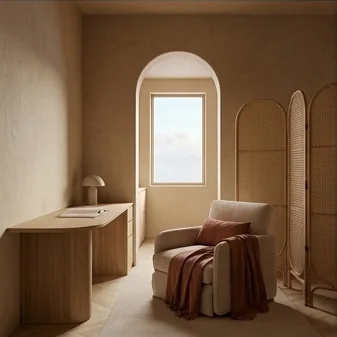
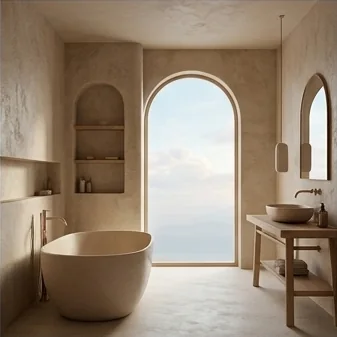



One ask. Three deliverables.
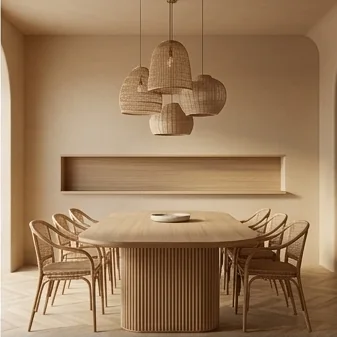
The moodboard
Nine curated scenes and details in the render’s own mood.
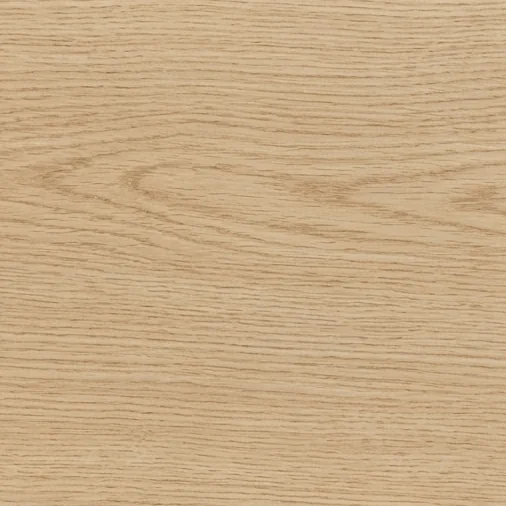
The material board
The room’s key surfaces as swatches: wood, textile, plaster.
The color palette
Extracted from the render itself, ready for the client deck.
All on one canvas
Next to the render they came from, sharable with one link.
How it works
- 1
Start from the room
A render you made in Hiera, or a room photo you drop on the canvas; the board will match it.
- 2
Ask for the moodboard
“Create a moodboard from this render.” That’s the whole brief.
- 3
Adjust and share
Pan and zoom any slot until the crop reads right, then share the canvas with one link.
Step by step, with screenshots: Generating designs with AI in Hiera Learn.
Not stock inspiration from someone else’s project. Your room’s own moodboard.
Questions
What does the moodboard start from?
From your work: a render you made in Hiera or a room photo on the canvas. The board is built to match that room and its furniture, materials and light, not pulled from stock inspiration.
What do I get exactly?
A moodboard of curated scenes and details, a material board with the room’s key surfaces, and an extracted color palette, all as separate pieces on the canvas, next to the render they came from.
Can I adjust the images in the board?
Yes. Each slot can be panned and zoomed until the crop is right, so the board reads the way you want to present it.
Can I show it to a client?
Yes. Share the file with one link, like a Figma file. The client sees the moodboard next to the renders it belongs to and can pin comments straight on it.
How much does it cost?
Hiera is free to use. AI actions use credits: pay as you go, or choose Hiera Pro.
Get the room you were imagining.
Get started for freeFree workspace · pay as you go or Hiera Pro · runs in the browser