Hiera·AI render editing
Change anything in the render. Keep the room.
Change furniture, materials, colors and lighting in an interior render by saying the change in one sentence. No re-rendering the whole image, no starting over. The rest of the room stays exactly as it was.
Cream Armchair Bedroom
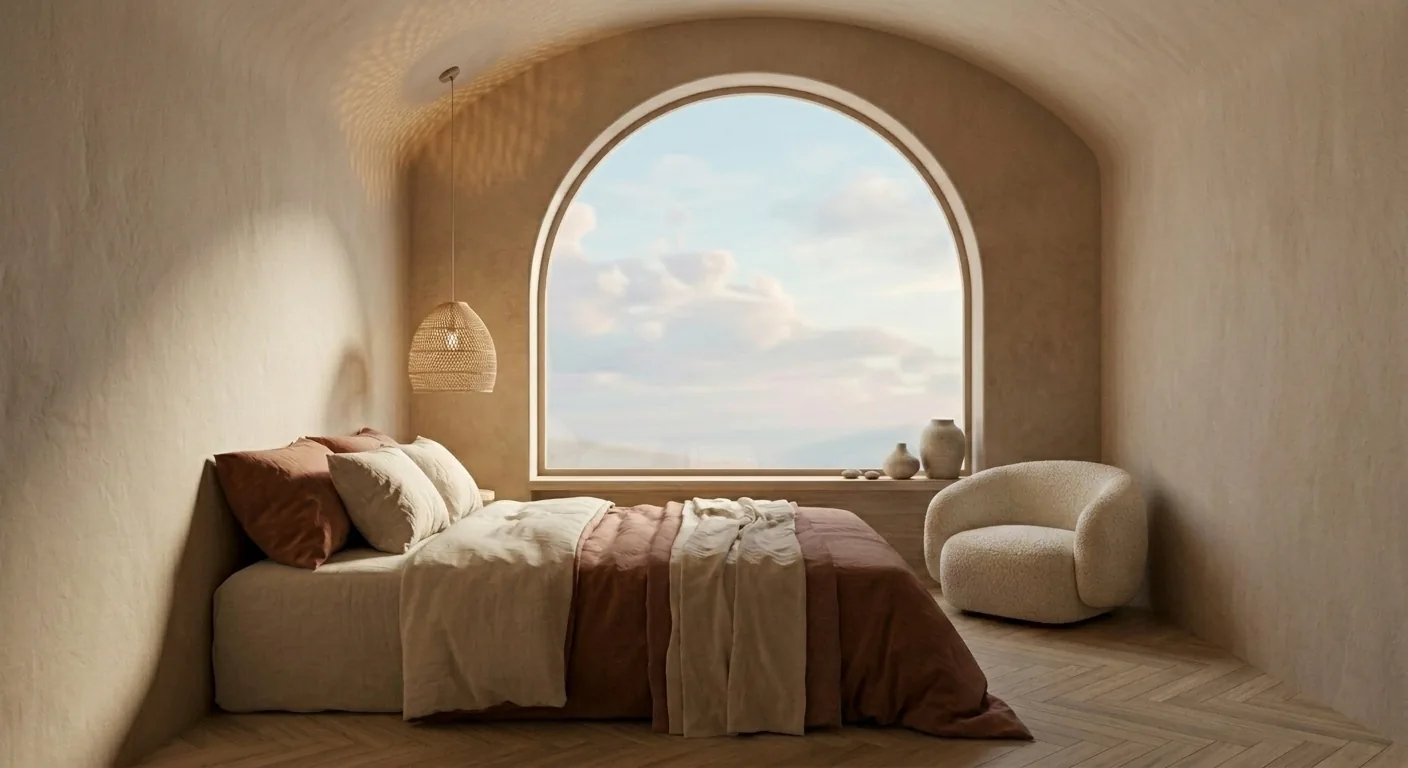
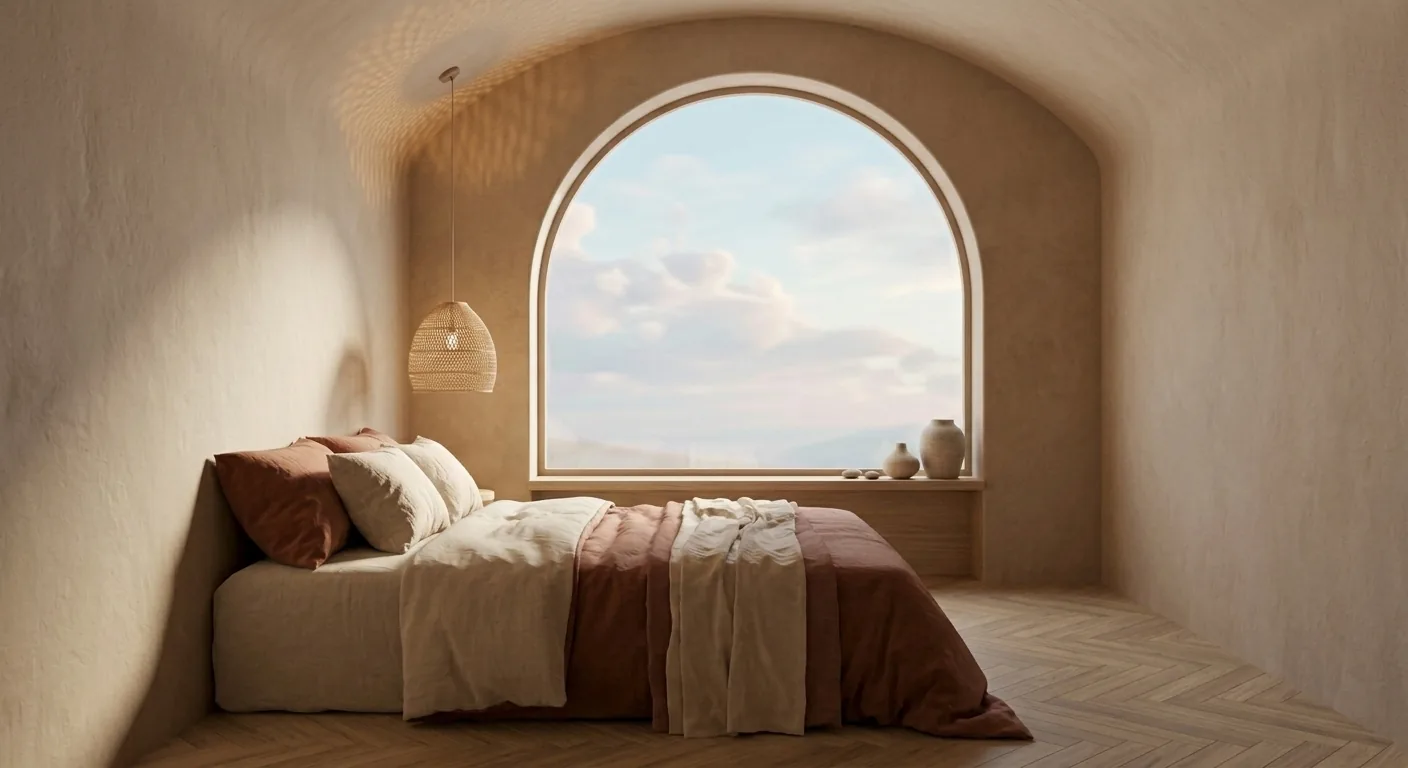
Say the change. That’s the tool.
“Add a cream boucle armchair near the window.”
The floor, the light, the walls stay.
“Try walnut herringbone flooring.”
The furniture stays where it is.
“Make the walls a warm clay tone.”
The materials keep their texture.
“Turn the light to golden hour.”
The room keeps its proportions.
How it works
- 1
Put the render on the canvas
Start from a render you made in Hiera, or from a room photo, and generate the first render right there.
- 2
Select it and say the change
One sentence, plain language. The sofa, the flooring, the wall color, the light, one thing at a time.
- 3
The new version lands next to it
Compare directions side by side, pin comments straight on the image, and share the whole file with one link.
Step by step, with screenshots: Generating designs with AI in Hiera Learn.
Most AI tools regenerate the whole image, and lose the room. Hiera changes the one thing you asked for.
Questions
Do I have to re-render the whole image to change one thing?
No. Select the render on the canvas and describe the one change: the armchair, the flooring, the wall color. Hiera changes what you asked for and keeps the rest of the room as it was.
Can I change just the materials?
Yes. Say the material change in plain language: "try walnut flooring", "make the counters honed marble", "linen instead of velvet". The surfaces update while the room, camera and light stay put.
Can I add a specific piece of furniture?
Yes. Drop a product photo of the piece onto the canvas, place it in the render, and Hiera blends it into the scene: scaled, lit and grounded like it was always there.
Will the room’s geometry or camera angle change?
No. Edits keep the room’s proportions, windows and viewpoint. That is the point: the client recognizes their room in every version.
Where do all the versions go?
Every edit lands next to the one before it on the same canvas, so you compare directions side by side, pin comments straight on the images, and share the whole file with one link.
How much does it cost?
Hiera is free to use. AI actions use credits: pay as you go, or choose Hiera Pro.
Get the room you were imagining.
Get started for freeFree workspace · pay as you go or Hiera Pro · runs in the browser